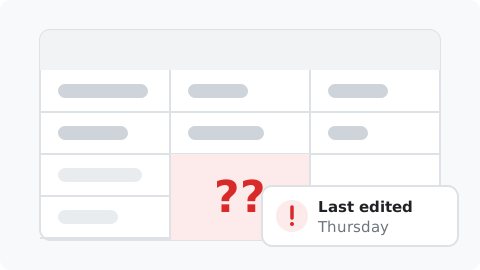
“It's all in a spreadsheet, and nobody has updated it since Thursday.”
Every purchase syncs in on its own, with its eBay status. Nothing to keep up to date.

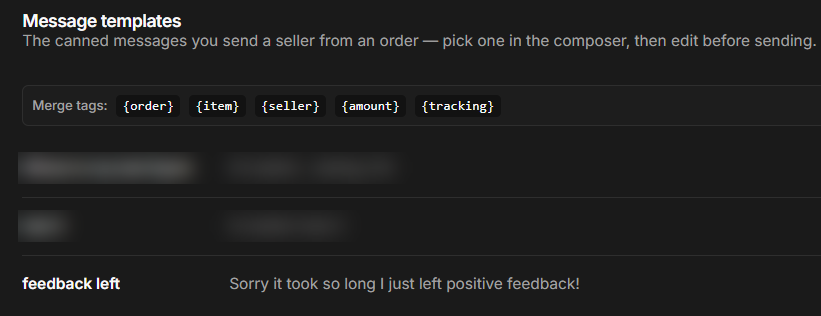
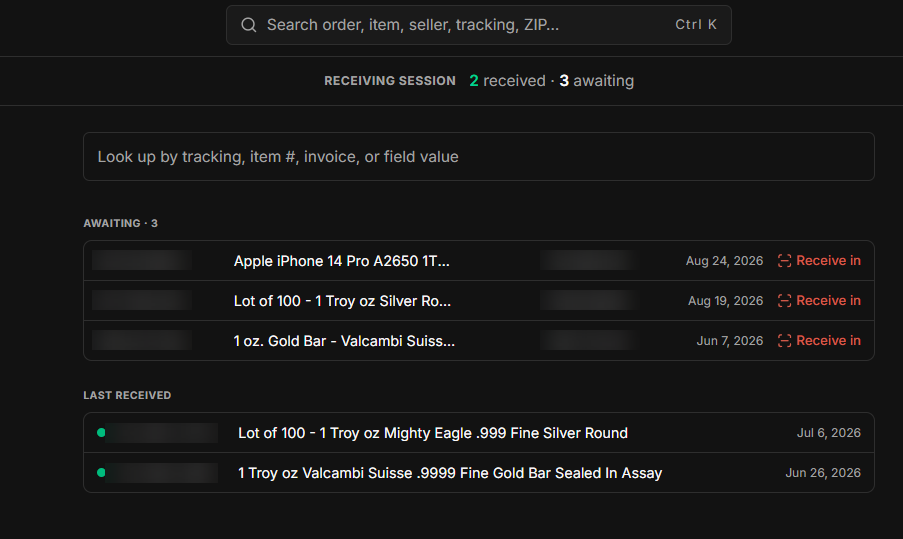
Organize orders around how you actually work: your statuses, your fields, your views. Receive, inspect, message and leave feedback from the order.
You need a uBuyFirst web app account. Free for now.
Keep track of the dollars you have spent, turn them faster, and have every record in one place when you need to reference it.
“It's all in a spreadsheet, and nobody has updated it since Thursday.”
Every purchase syncs in on its own, with its eBay status. Nothing to keep up to date.

“What have I paid for that still hasn't shipped?”
Paid, not shipped, too many days since you bought it: that is a view. Open it, work it, send the message.
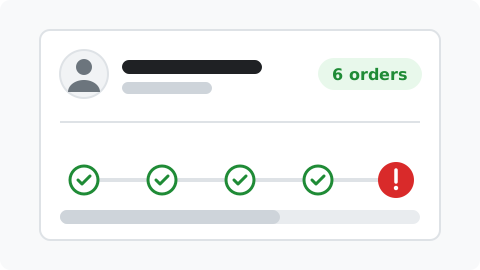
“What happened last time with this seller?”
Your notes and your order history with that seller sit on the order, and build over time.
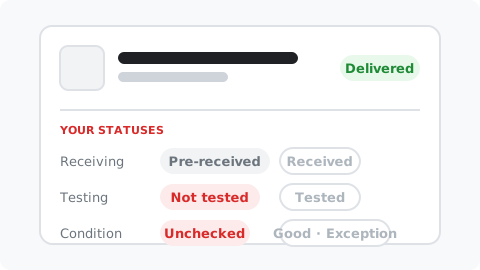
“A sheet shows me the record. It doesn't track what I did with it.”
Add your own statuses to every order: receiving, testing, condition, whatever your process needs. Set them on the order, filter on them in the list.
Connect an account. Filter orders by eBay's criteria and your own. Open the records in that stage and move them to the next one, until they are out the door.
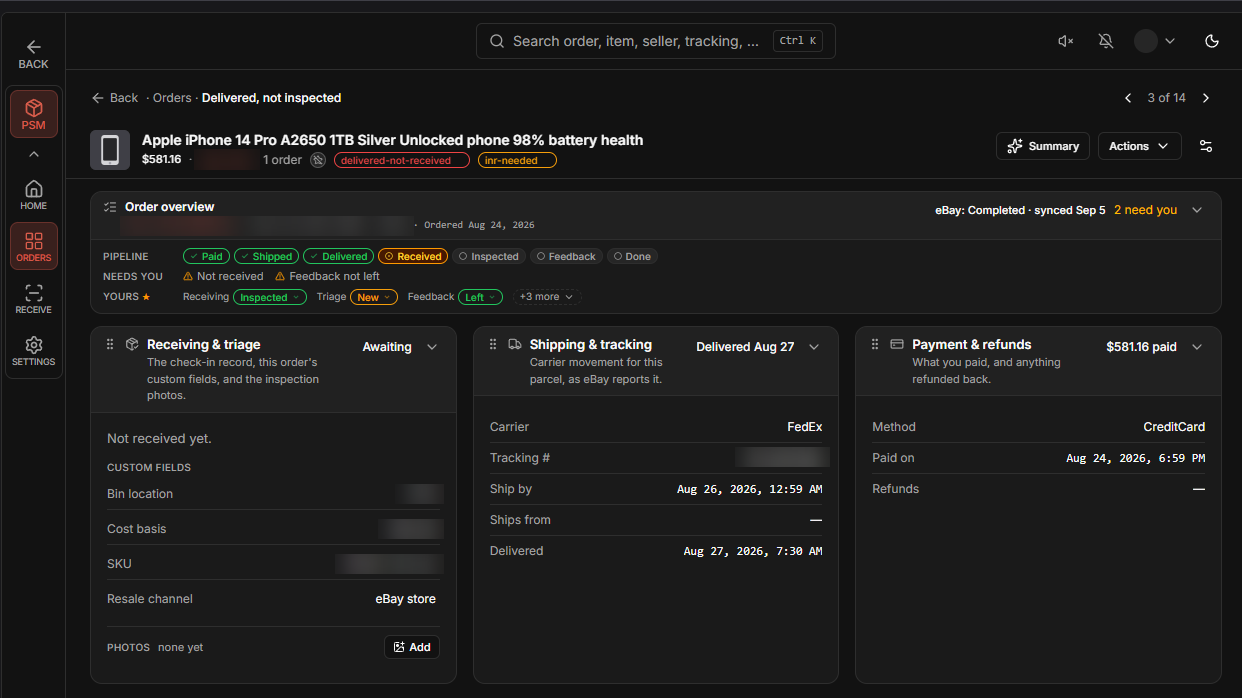
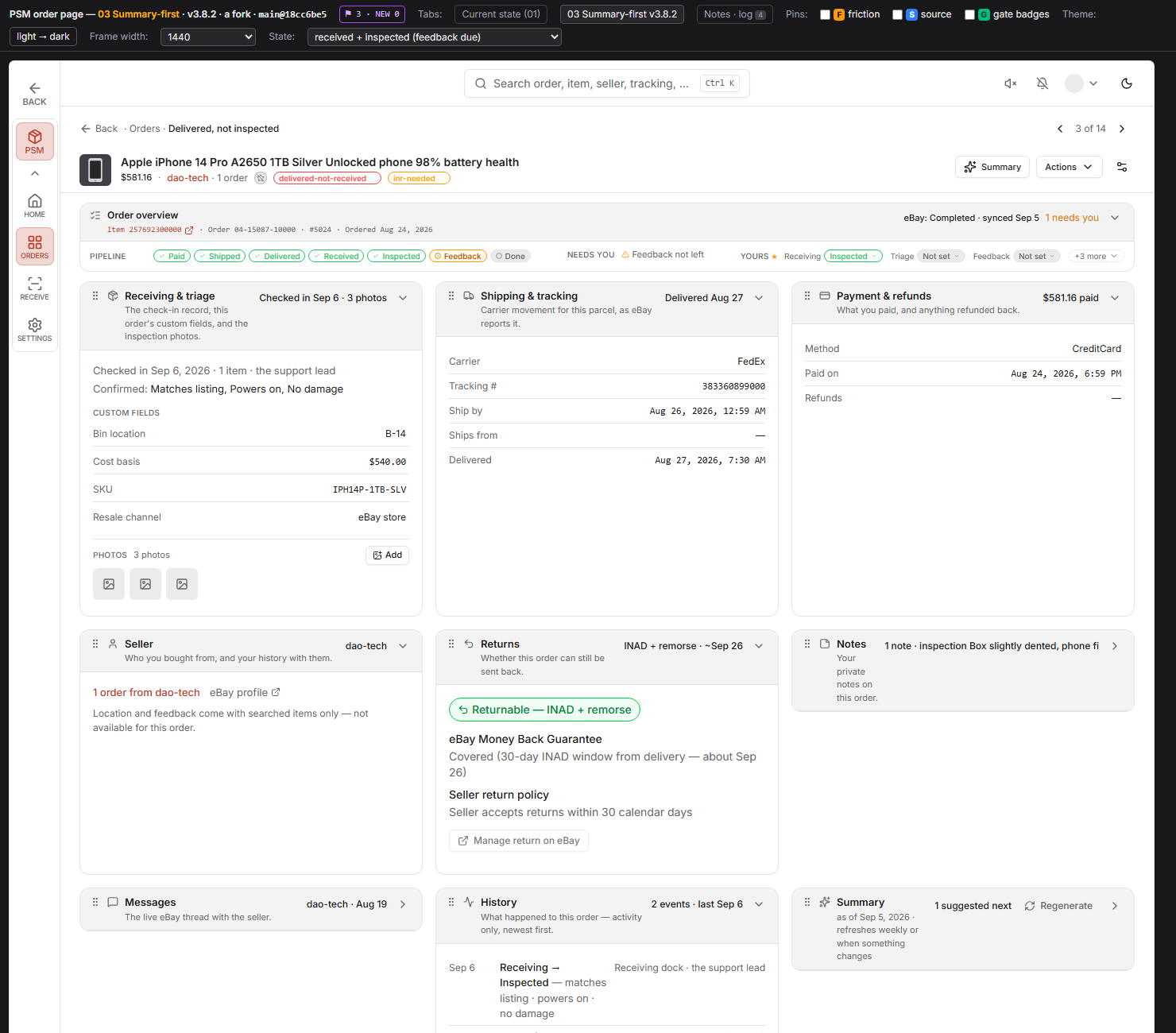
The eBay order and everything you do with it, on one page you arrange yourself.
Payment, shipping, seller, returns, your notes and your statuses, on one page per order. Move the sections, hide the ones you do not use, and set any status in place.
Want your own receiving sheet? Pull orders into your own system? Write reports, or automate another part of the process? Do it with Claude through the MCP, or connect directly through the API, on your uBuyFirst key: orders, statuses, notes, feedback and messages, read and write. Build around what is not there yet.
Interested? Tell us what you would build.
Setup, views, receiving, statuses, messaging and feedback are written up in the Post-Sale Management help docs.
More uBuyFirst buying tools: the web app · Item Tracker · Deals · Local pickup · Commit to Buy · all solutions
Yes. Connect each one through eBay's sign-in. Every view works across all of them or filtered to one.
eBay's purchase history shows a limited window. Your orders stay here, with their statuses, notes and activity, for as long as you keep them.
It reads your orders and their statuses through eBay's own sign-in. Messages and feedback you send from an order go through eBay as you. Your own statuses, fields and notes live here, not on eBay.
Free for now. You need a uBuyFirst web app account.
It shows you the return and dispute status on the order, with the window while it is still open, and takes you to the right place on eBay to act. Returns are labelled by what they mean: not as described, or changed my mind.
Web. Post-Sale Management runs in the uBuyFirst web app, in any browser.
Connect your eBay accounts, the orders sync in, and the after-purchase work gets shorter.
Get AccessYou need a uBuyFirst web app account. Free for now.