
Message any seller and leave feedback without leaving PSM
Table of Contents #
Message Templates #
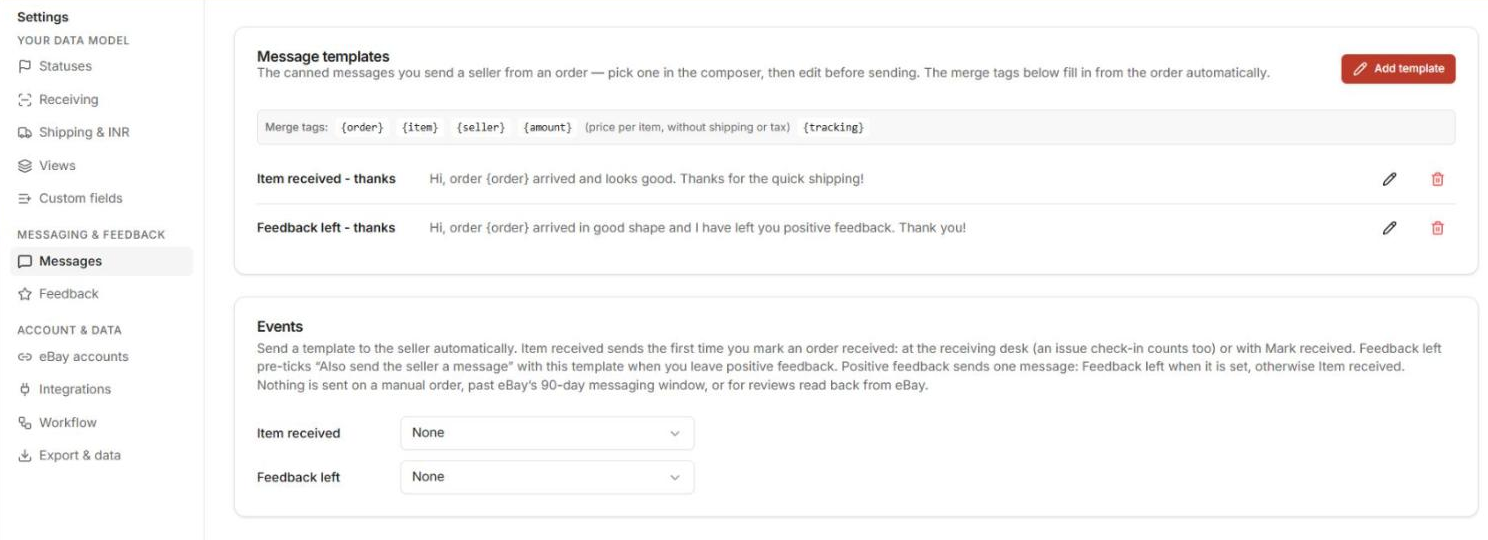
Build reusable messages under Settings → Messages → Add template. Templates support merge tags that fill in per order: {order} {item} {seller} {amount} {tracking}. {amount} is the item price per unit, without shipping or tax.

Known Quirk.
When you create your very first template it can overwrite the built-in default — double-check the list after saving your first one.
Send a Message #
Two ways in:
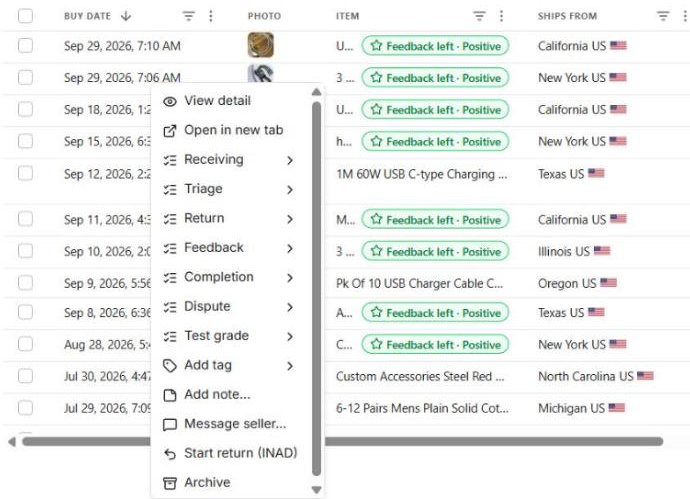
- From the grid: right-click the order row → Message seller… — pick a template, merge tags fill from the order, send.
- From the order page: in the Messages panel (or Actions ▾ → Message seller…), pick a template or Start blank, edit the text, Send. Your message shows in the thread right away, with the seller’s replies. If eBay doesn’t confirm a send, the thread marks it eBay has not confirmed this message yet. If eBay still has no copy of it at least 15 minutes later, It wasn’t sent — send again appears. Sending the same text to the same order again within 10 minutes is refused, so a message can’t go out twice by accident.
Sent messages are also logged in Recent activity on Home and in the order’s Activity.
When messaging is off.
eBay lets you message a seller for 90 days after the purchase. After that, and on a manual order (no eBay item to message about), the Message seller button and the reply box are not offered.
Automatic Messages #
Settings → Messages → Events has two events, Item received and Feedback left. Each one can take one of your templates; both start as None, and with None nothing is ever sent. A template that is bound shows an Auto: … marker in the template list.
Item received: the template goes to the seller the first time an order is marked received — from the order page, the receiving desk or a bulk change. Before it goes you get about 10 seconds and an Undo on the order page; the receiving desk card shows Message the seller with a tick you can clear for that package; a bulk change to Received says how many sellers get the message, with a checkbox. Marking the same order received again sends nothing.
Feedback left: with a template set, Leave feedback pre-ticks Also send the seller a message with it for Positive feedback; switching the type to Neutral or Negative unticks it. Positive feedback sends one message: Feedback left when it is set, otherwise Item received.
Not sent.
Nothing is sent for a manual order, an order past eBay’s 90-day window, a disconnected account, or a status the sync reads back from eBay. The order page says Seller won’t be messaged up front, and the order’s History records why. A sent message shows in the Messages panel and in History as Message sent · auto.
Leave Feedback #
Feedback works the same way:
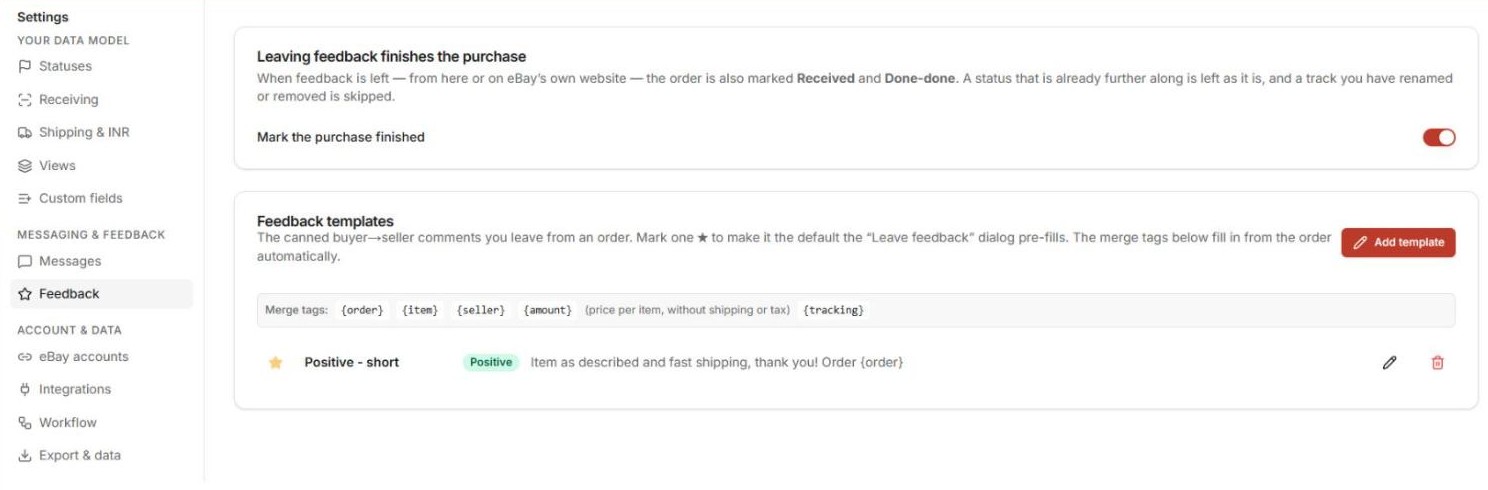
- Settings → Feedback → Add template — write your feedback text; star one as the default.
- On the order page, Actions ▾ → Leave feedback…, or pick Positive, Neutral or Negative in the order’s Feedback status (the chips in the grid or on the order page, the row’s right-click menu, Actions ▾ → Set status): the same dialog opens with that type already chosen, and Cancel leaves the status as it was. On an order that already has feedback, or whose feedback window has closed, the pick only changes the label. For several orders at once, tick their rows in the grid and click Batch feedback in the bar that appears above it, or pick Positive, Neutral or Negative in that bar’s Set Feedback list: it opens Batch feedback for the ticked rows with that type already chosen. On orders past their feedback window the pick only changes the label, the same as on the order page.
In the dialog, each order has its own comment, type (Positive, Neutral, Negative) and an Include tick. Pick a Template at the top to fill every comment; the one you pick is remembered for next time. eBay allows 80 characters per comment — the counter under each box shows where you are, and the dialog says why a row can’t be sent.
Tick Also send the seller a message to send a message template as well; it goes out only to the sellers whose feedback went through. A large batch runs in the background and the dialog tells you while it is still working.
When you leave feedback, the order’s Feedback status flips automatically — which is why most people use feedback-left as their “done” state. Feedback is not offered on a manual order.
With Settings → Feedback → Mark the purchase finished switched on, leaving feedback (in PSM or on eBay’s own website) also marks the order Received and Done-done. A status that is already further along is left as it is.
Next: get your data out whenever you need it: Exporting & Your Data.


